Bring the M3U playlist or Xtream Codes login you already have. GoatIPTV turns it into Live TV, Movies and Series with a real TV guide, catch-up and a player built for the remote.
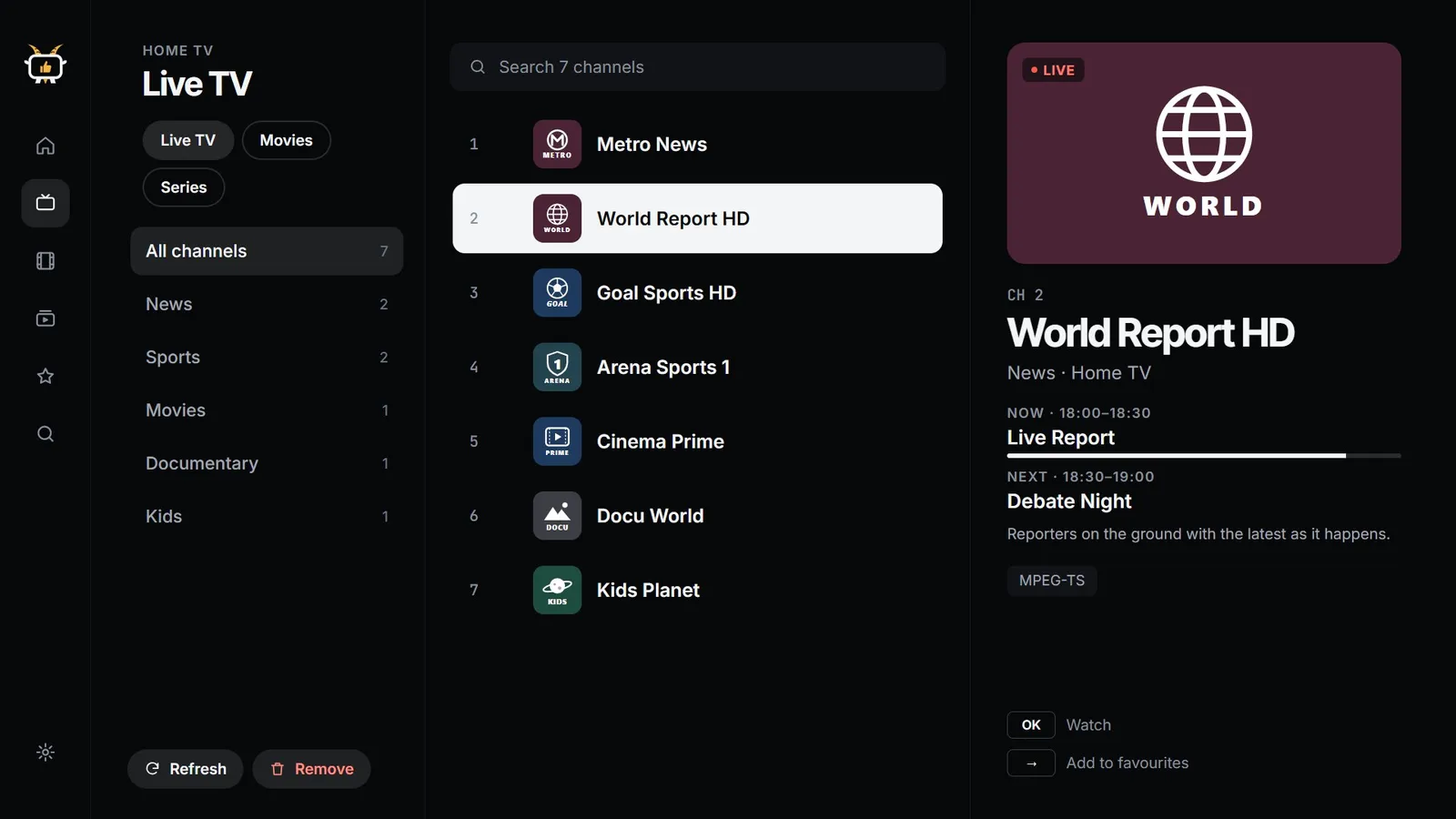
Your provider's groups become a tidy guide. See what's on now and next with progress, from your provider's Xtream EPG or XMLTV guide, and find any channel in an instant.
Player
HLS
MPEG-TS
MP4
MKV
Auto fallback
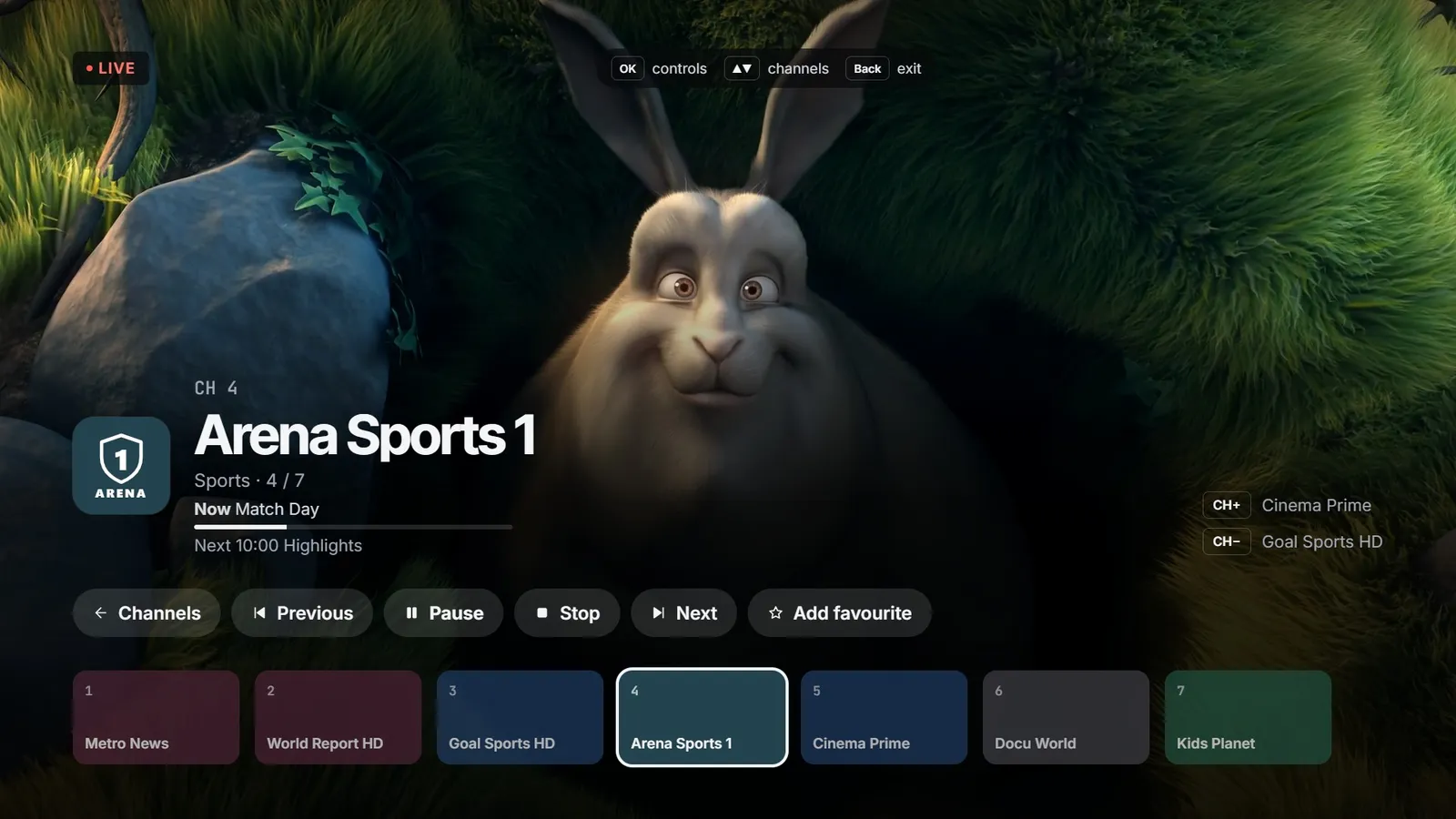
Channel up and down, number keys, pause and stop, all where your thumb expects them. When a stream won't start, GoatIPTV switches player engine by itself.
Catch-up
Xtream archive
M3U catch-up
Today's shows
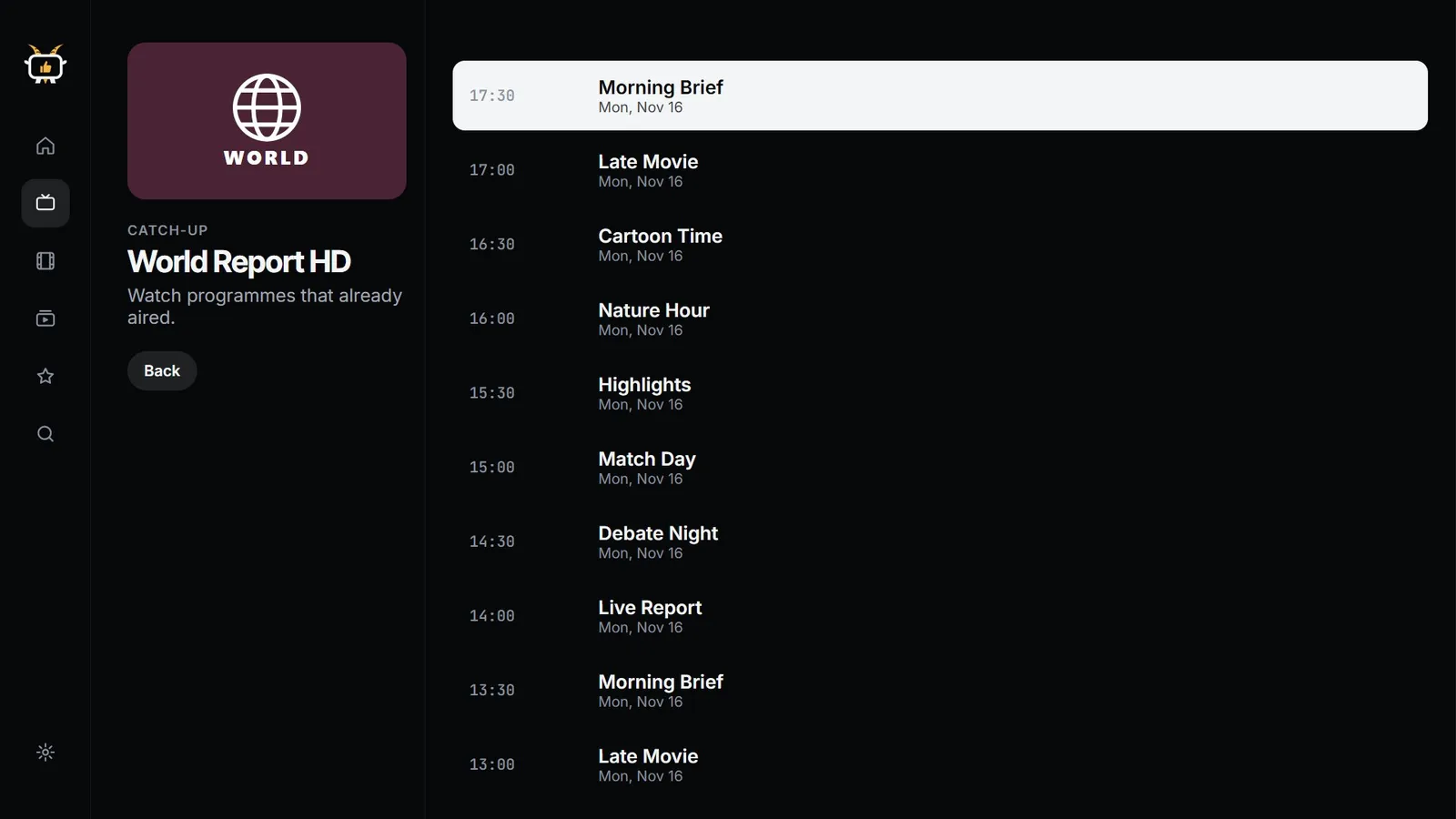
Missed it? When your provider keeps an archive, GoatIPTV lists what already aired and plays it from the start. One button in the player, no setup.
Six languages
English
Italiano
Français
Español
Português
العربية
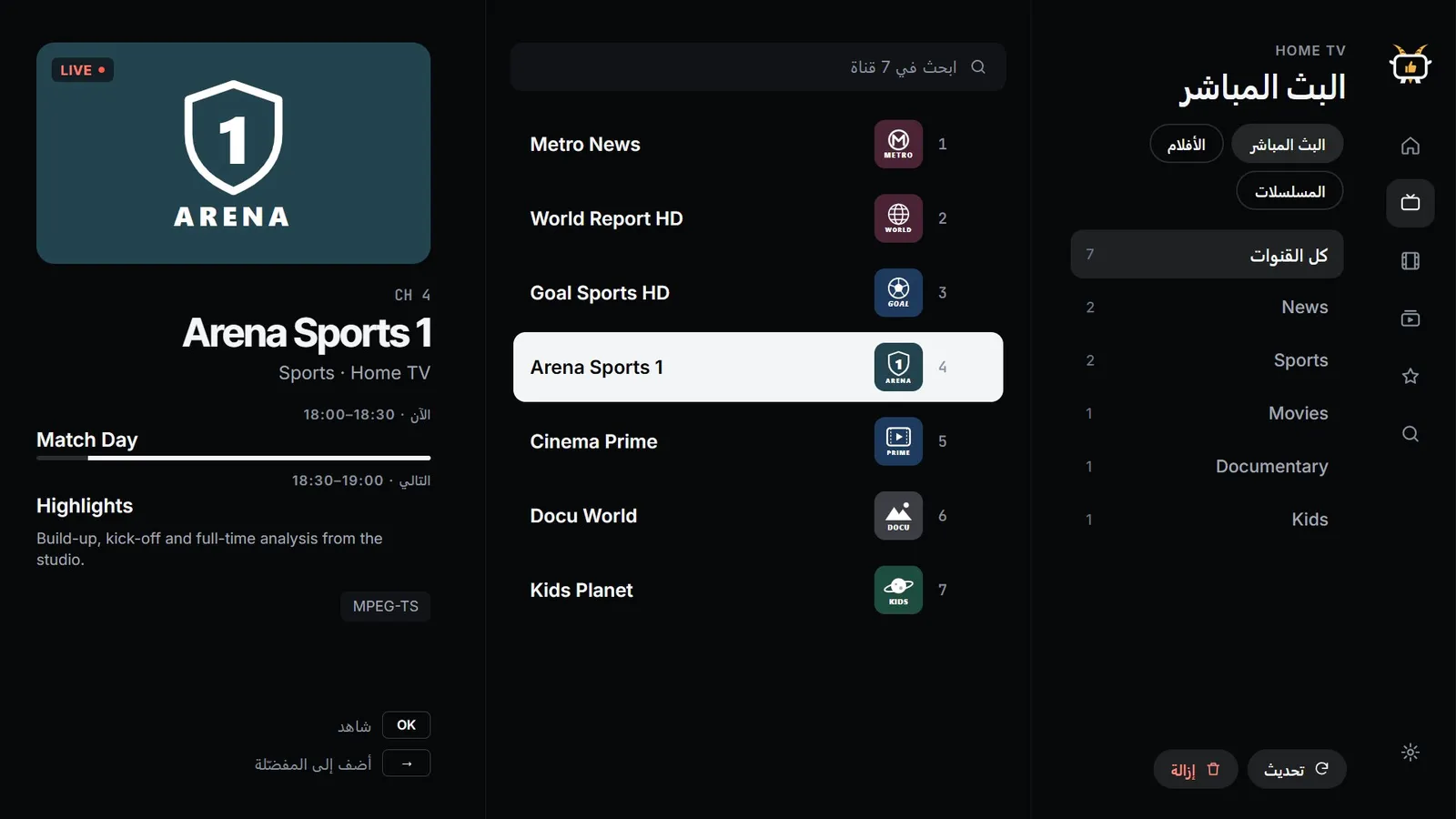
GoatIPTV follows your device language, with a fully mirrored right-to-left layout for Arabic.
3 daysFree trial on the yearly plan, cancel anytime
2016LG TVs supported from this year on
1Licence per Samsung or LG TV, tied to its code
6Languages, including Arabic right-to-left
Any playlist you own
Paste an M3U link or sign in with the Xtream Codes details from your provider. Several playlists side by side, refreshed daily.
Parental PIN
Adult categories stay hidden until a 4-digit PIN is entered. Set it once and the whole family can use the app.
Favourites & recents
Star the channels you love and pick up where you left off. Fast search finds anything across your playlists.
Expiry reminders
A heads-up a week before your provider subscription ends, so you're never caught out mid-match.
Private by design
Your playlists, logins and what you watch stay on your device. Nothing to sign up for.
Runs on older TVs
Built to stay smooth on LG TVs from 2016 and Samsung TVs from 2017, as well as the latest models.
How it works
From install to watching.
Install
Get GoatIPTV from the store on your phone, tablet or TV. One app for every screen in the house.
Add your playlist
Paste your M3U link, or enter the server, username and password from your provider. It stays on your device.
Watch
Browse your channels for free, then start Premium with 3 days free on the yearly plan and watch everything.
Pricing
Simple, fair, no surprises.
On phones and TV boxes, one purchase covers the devices on your store account. Samsung and LG TVs each get their own licence.
No. GoatIPTV is a player: it doesn't include, sell or recommend any channels, playlists or providers. You use it with an M3U playlist or Xtream Codes login from a provider you're allowed to watch.
How do I add my playlist?
Choose Add playlist. For an M3U link, paste the address your provider gave you. For Xtream Codes, enter the server address, username and password exactly as your provider sent them.
Which devices are supported?
iPhone, iPad and Apple TV; Android phones, tablets, Android TV and Google TV; Amazon Fire TV; Samsung smart TVs from 2017 (Tizen 3 and newer) and LG smart TVs from 2016 (webOS 3 and newer).
Is there a free trial?
Yes. The yearly plan starts with 3 days free: watch everything, and cancel before the trial ends to pay nothing. Adding playlists and browsing your channels is always free, so you can check everything is there before you start.
Does one purchase work on all my devices?
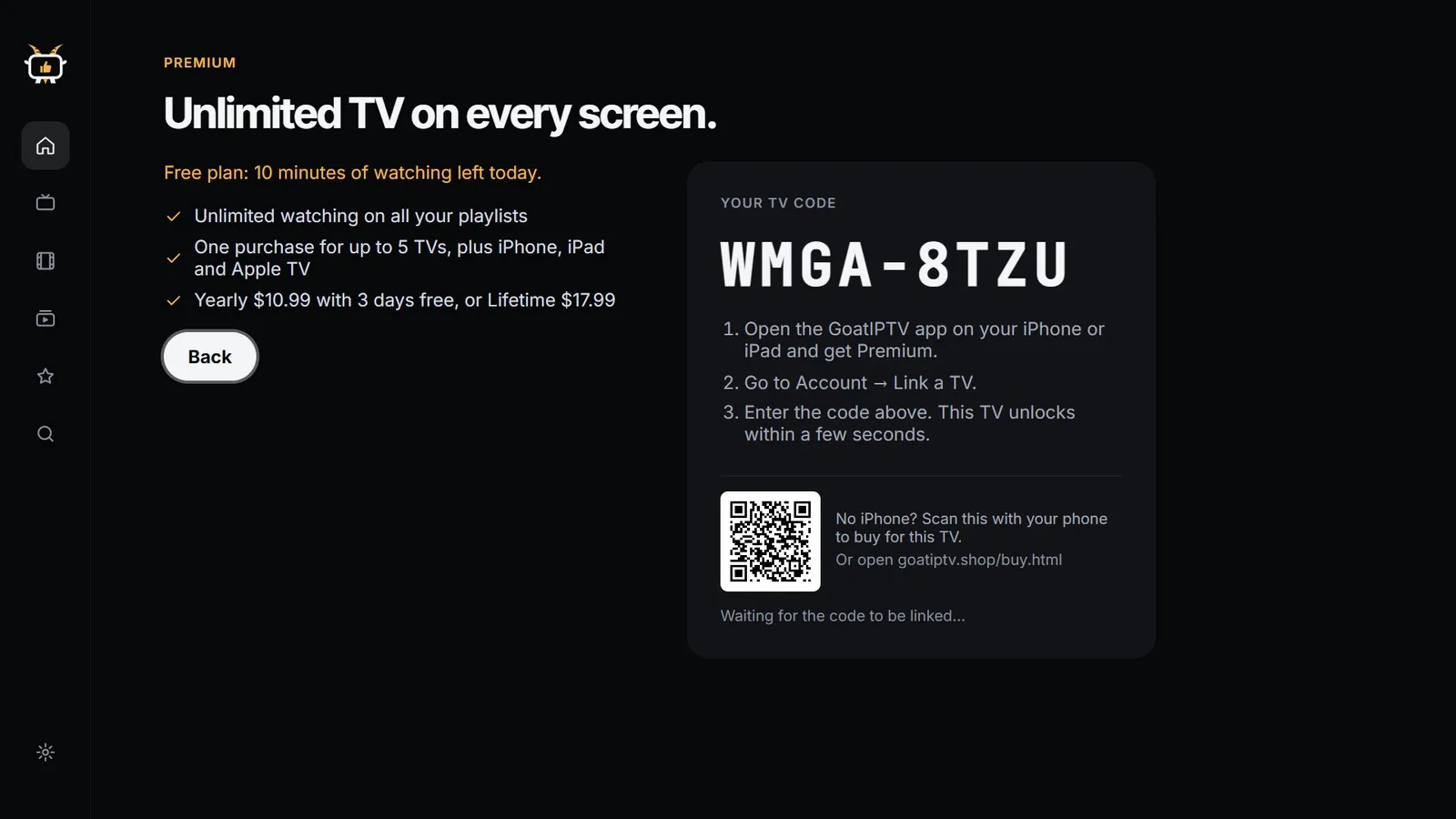
A purchase on iPhone, iPad or Apple TV unlocks all three with the same Apple ID; purchases on Google Play and Amazon unlock the devices signed in to that store account. Stores don't share purchases with each other. Samsung and LG TVs are different: each TV has its own licence, bought for that TV by scanning the QR code on its Go Premium screen.
How do I cancel or restore?
Subscriptions are managed in your App Store, Google Play or Amazon account settings; website purchases through the link in your Stripe receipt. After reinstalling, use Restore purchases in the app.
A channel doesn't play. What now?
Try another channel and press Try again. If nothing plays, the provider's server or your login may be down; some providers also allow only one device at a time. For playlist problems, contact the provider that gave you the playlist. More tips on the support page.
What do you do with my data?
Very little. Playlists, logins and what you watch stay on your device. Our service only stores what's needed to unlock Premium on TVs. Read the privacy policy.
Let's watch
Ready to press play?
Your playlists, beautifully organised on every screen in the house.
 GoatIPTV